|
 |
|
 |
 |
About Us | Contact |
|
|
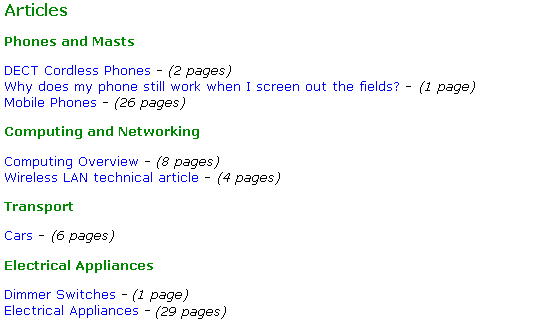
FAQ - How to download an articleArticles are downloaded from the main library index, and the listing shows the title of each article and the length of the article in pages. An example of the screenshot can be seen below:
Click on the blue link for an article to see a more detailed description of the article, including latest version date and version history. On this detailed page you can download the article itself, and if you tick the box next to "Please tick this box if you wish to be emailed when this article is updated" you will receive an email the instance a new version of the article is released. Once you press the "Confirm Download" button, you will be returned to the main article index. An example of how the screen appears for download articles is as follows:
In this line, the version number is a link to the document's version history, the "download" link downloads a zip file containing a printable .pdf of the document. Finally, the "view" link allows you to view the page on the screen, and you can print directly from here if you so wish. |